Give the shopper a place to start.
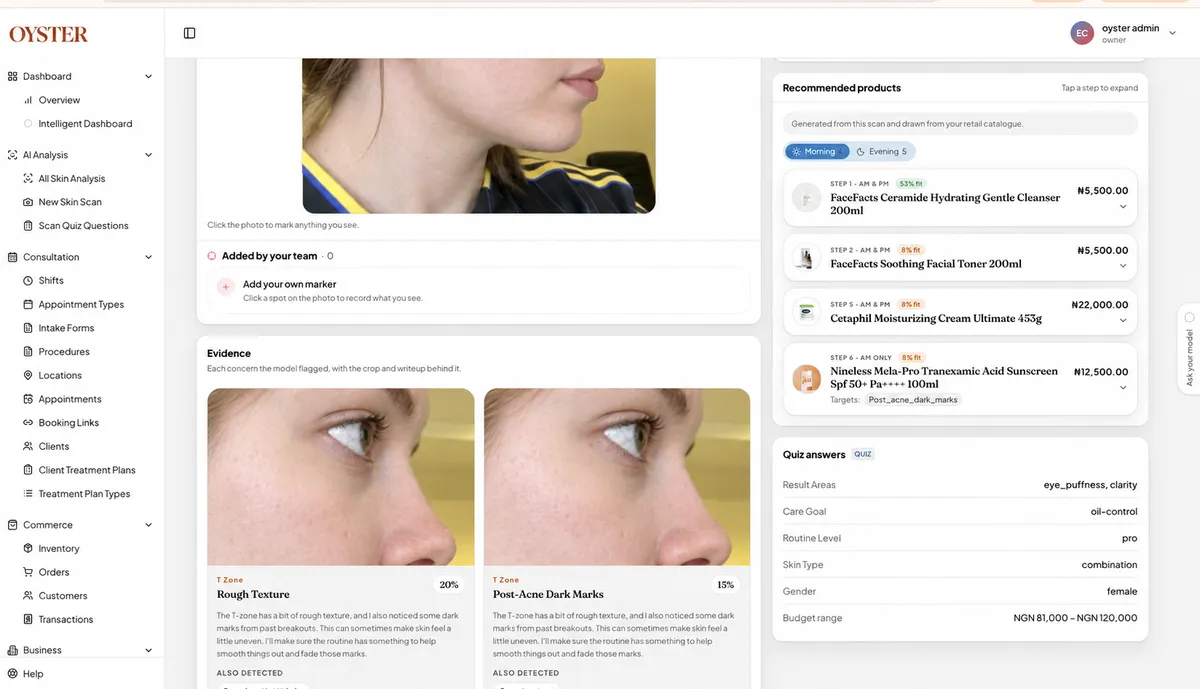
Skin analysis turns your catalogue into a shortlist matched to each customer.
Help customers find the products that fit their skin, from the brands you stock. On your website and at the shelf.
 MaxCare PharmaciesFundamentals Skincare
Skin analysis turns your catalogue into a shortlist matched to each customer.
Customers shop your products through your existing online checkout.
Keep skin profiles and order history together for the next recommendation or refill.
Customers scan their skin, see a matched routine from your shelves and shop it through your checkout.
Explore skin analysis ↗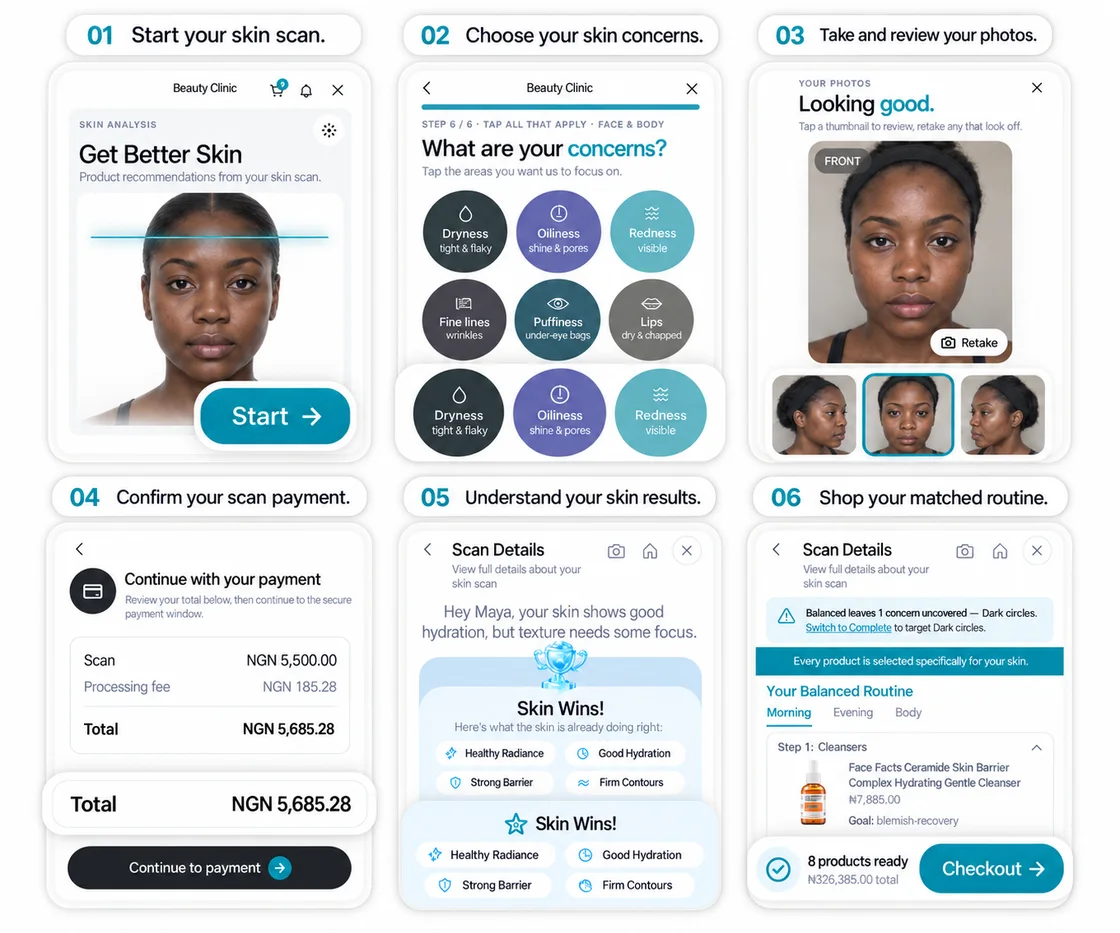
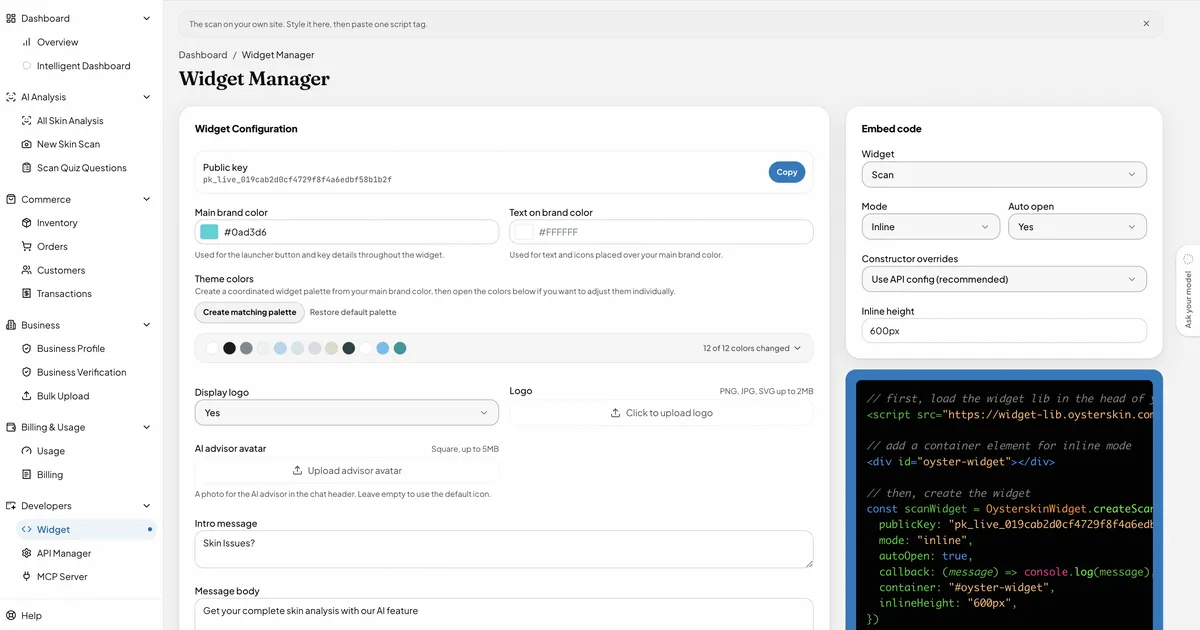
Add Oyster to your website, or place a QR code at the shelf so a customer can scan on their own phone.
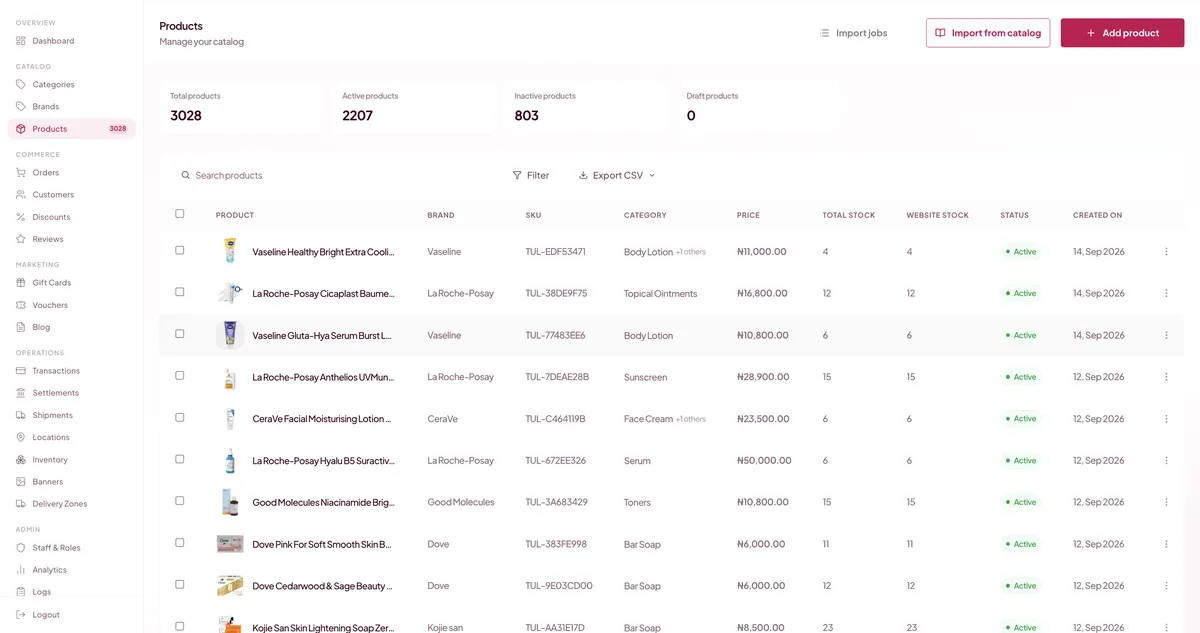
Manage your storefront, inventory, payments, shipping and customer records in one workspace.
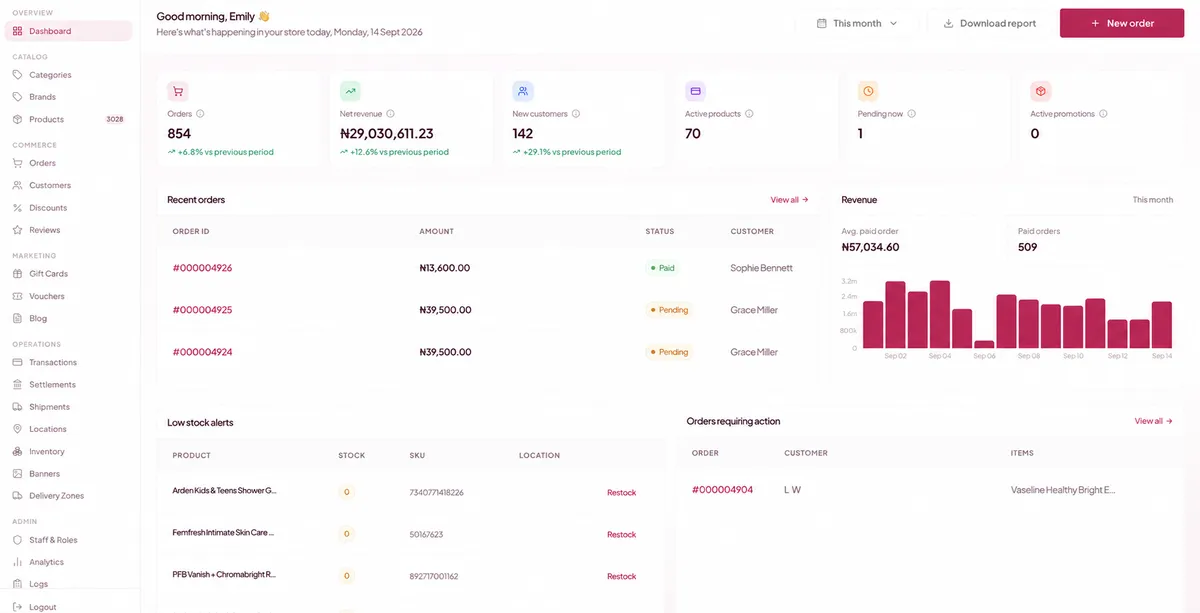
Keep their skin profile and order history together, then send a refill reminder when they are likely to run out.
Explore Smart Restock ↗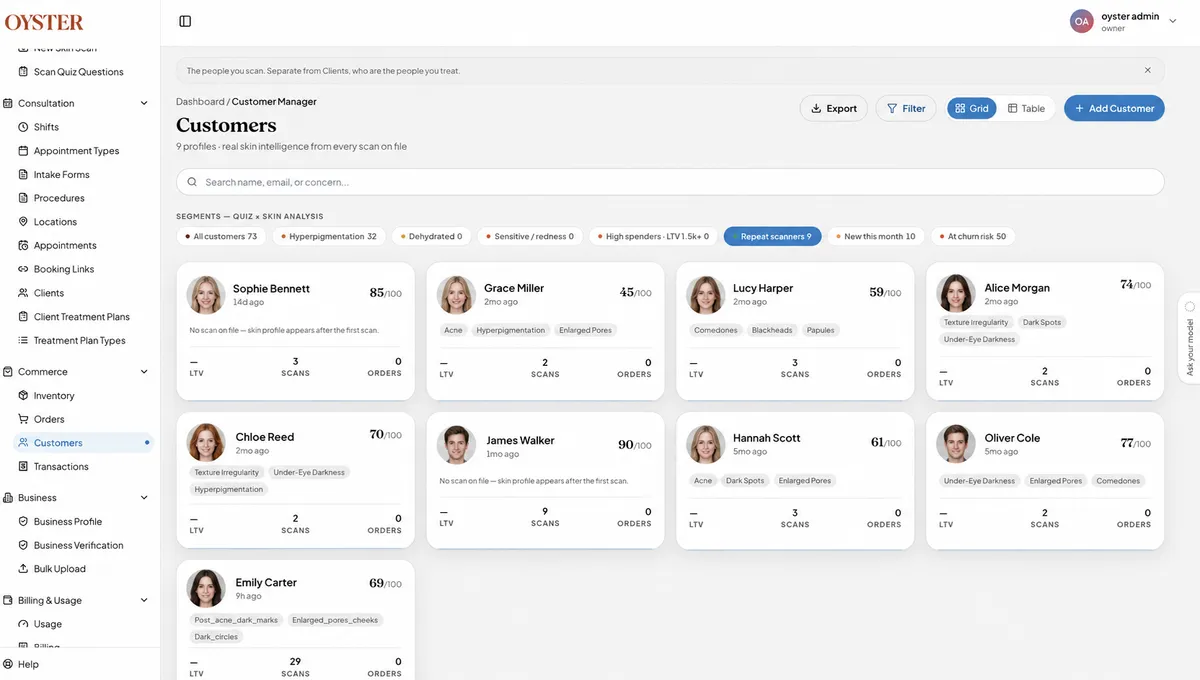
Tulip uses Oyster Retail OS to turn a scan into a product shortlist and manage stock, orders, payments and customer records.
Read the Tulip story ↗See how MaxCare uses Oyster across its pharmacy retail business.
Read the MaxCare story ↗Walk through a skin scan, product recommendations and checkout with the products your store sells.